
Connect what you already run on.
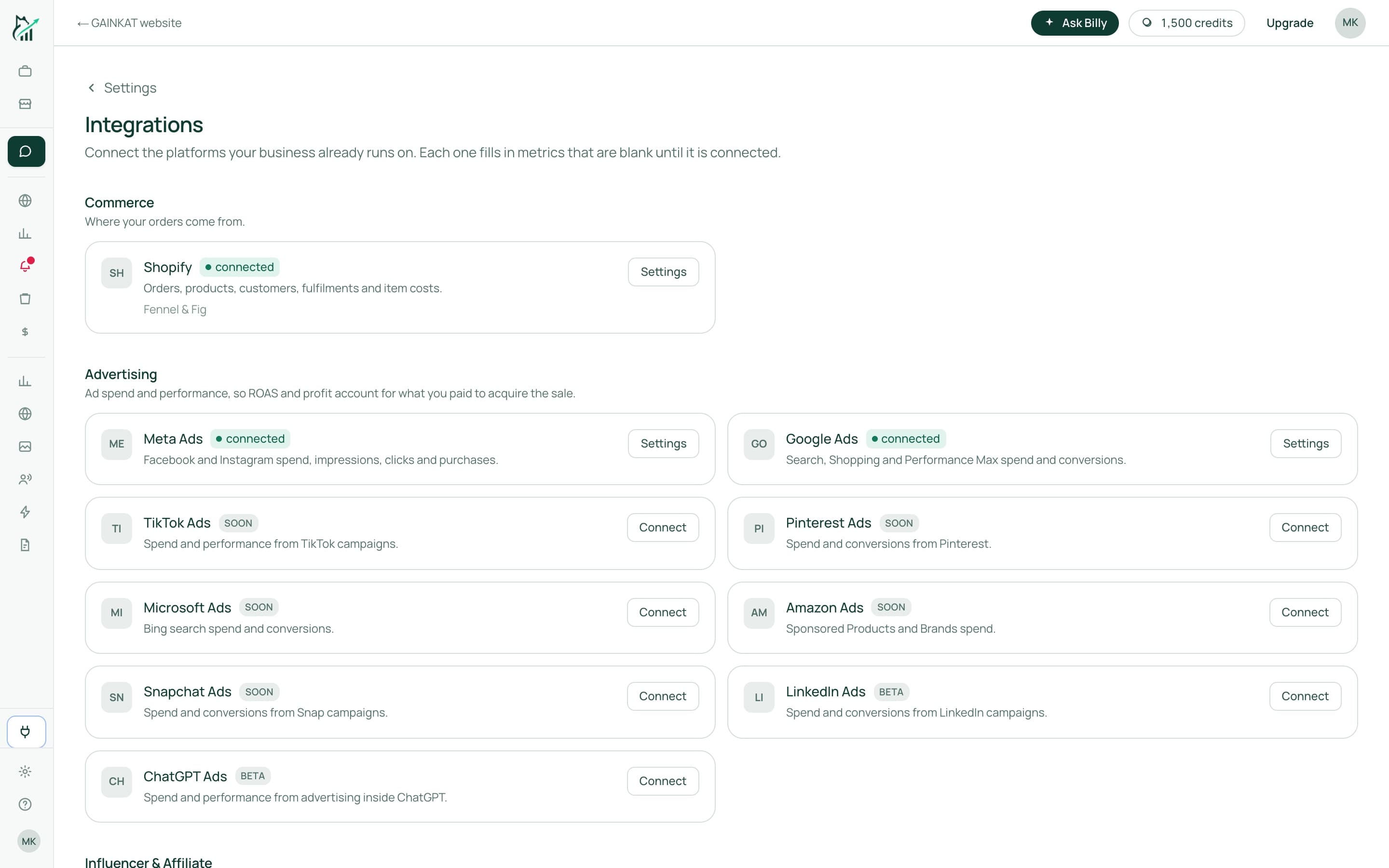
The Integrations page, with an example store connected.
What we read, and why.
Orders, products, inventory and fulfilment, to calculate sales, cost and profit. With the merchant's approval it also writes back a change they have reviewed — a price, a stock level, a product page or an image. It never reads or stores shopper names, email addresses, postal addresses or payment details.
Campaign, ad set and ad performance with daily spend, to report advertising cost against revenue and to attribute sales to ads. With the merchant's approval it can pause a campaign or change a daily budget. It never creates campaigns and never edits targeting or creative.
Campaign and ad performance with daily spend, read only, for the same reason: so advertising cost from every platform appears in one profit figure instead of being reconciled by hand.
Search performance for your product pages, read only, so Creative Lab can see which listings people find and which they skip.
Visits and events on your own domain, recorded in your own database for Site analytics and Live view. Nothing from it is sent to an ad platform.
See it on your own orders.
We'll walk through your store's real numbers with you and show you which orders, products and campaigns make money.